What Is a Drug Import License Online?
Applying for a Drug Import License Online can help pharmaceutical businesses organise their application documents and follow the relevant CDSCO procedure. Before starting, importers should confirm the applicable licence category, product registration requirements, and documents required for their medicines.
A Drug Import License Online application allows eligible businesses to apply for the relevant permission to import regulated medicines into India through the Central Drugs Standard Control Organisation online system.
If your company wants to import medicines, bulk drugs, active pharmaceutical ingredients (APIs), or finished pharmaceutical formulations from another country, you must first identify the applicable regulatory requirements. Depending on the product, both the registration of the drug and its manufacturing site and the relevant import licence may be required.
CDSCO regulates drug imports under the Drugs and Cosmetics Act, 1940, and the Drugs and Cosmetics Rules, 1945. The SUGAM portal provides an online system for submitting relevant applications and tracking their progress.
In 2026, understanding the correct application form, preparing complete documents, and following the official filing process can help businesses avoid common mistakes.
This guide explains how to apply, what documents may be needed, and how to track your application.
What Is the CDSCO SUGAM Portal?
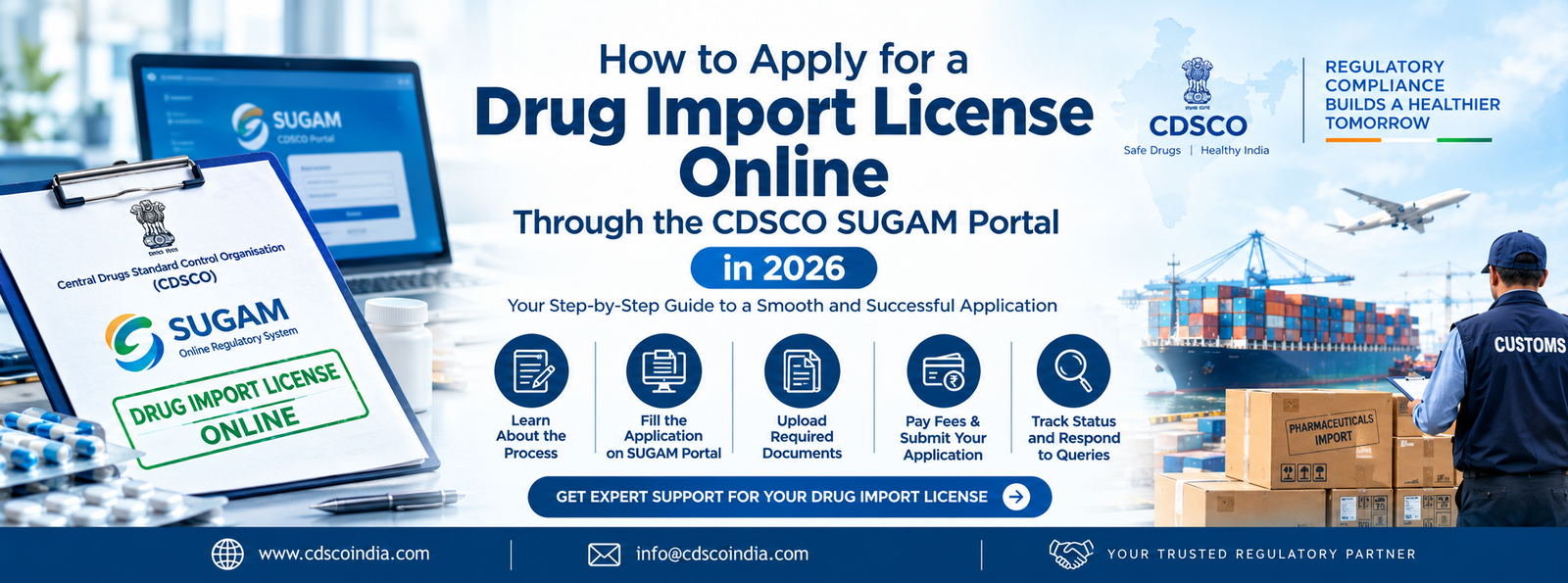
The Drug Import License Online process allows eligible applicants to submit relevant applications through the CDSCO SUGAM portal. Applicants should enter accurate information, upload the required documents, and follow the current instructions provided by the regulatory authority.
The CDSCO SUGAM portal is an online platform used for regulatory applications related to drugs, medical devices, and other regulated activities.
Drug import applicants can use the portal to submit the relevant applications, upload supporting documents, view saved applications, respond to queries, and check application status.
You can visit the official portal here: CDSCO SUGAM Online Portal
The portal also provides official user manuals, quick notes, FAQs, and other application guidance. Review the latest instructions before submitting your application.
Who Needs a Drug Import License in India?
The requirements depend on the type of product and the applicant’s role.
1. Indian Pharmaceutical Importers
Indian businesses importing regulated drugs from foreign manufacturers need to identify the applicable registration and import licensing requirements before importing the products.
2. Indian Authorised Agents
An eligible Indian authorised agent may apply on behalf of a foreign manufacturer, subject to the applicable rules and authorisation requirements.
3. Foreign Drug Manufacturers
Foreign manufacturers seeking to supply medicines to India must follow the applicable Indian regulatory requirements. Depending on the circumstances, they may need to work through an eligible Indian applicant or authorised agent.
4. Businesses Importing APIs and Finished Formulations
Import requirements can apply to bulk drugs, active pharmaceutical ingredients, and finished formulations. The exact pathway depends on the product and any applicable exemptions or special provisions.
A SUGAM portal account alone does not authorise a business to import medicines. The required registration, licence, and other permissions must be obtained as applicable.
Which Forms Are Used for a Drug Import License?
Before starting your Drug Import License Online application, understand the difference between the application forms and the documents issued by CDSCO.
| Purpose | Relevant form |
| Application for a drug registration certificate | Form 40 |
| Registration certificate for imported drugs | Form 41 |
| Application for a drug import licence | Form 8 |
| Drug import licence | Form 10 |
| Applicable import licence for specified categories | Form 10A, where relevant |
The exact form depends on the product and the applicable regulatory provisions. Check the latest CDSCO instructions before filing.
Documents Required for a Drug Import License Online
Before submitting a Drug Import License Online application, check that all supporting documents are complete and consistent. Incorrect manufacturer details, missing authorisation letters, or incomplete product information may lead to regulatory queries and delays.
The required documents depend on the type of drug, foreign manufacturer, applicant, and application category. Prepare the following checklist as a starting point.
- Applicant’s business registration details.
- Importer or authorised agent details.
- Valid wholesale drug licence, where applicable.
- Authorisation from the foreign manufacturer, where required.
- Foreign manufacturer’s licence and manufacturing-site information.
- Product details, including name, composition, strength, and dosage form.
- Registration certificate documents, where applicable.
- Manufacturing and quality-related documents.
- Product labels and packaging information.
- Power of attorney or other authorisation documents, where applicable.
- Prescribed application forms and fee payment details.
- Any additional documents required by the current CDSCO checklist.
For the official requirements, consult the CDSCO Import and Registration page and its published document checklist.
Step-by-Step Process to Apply Through the CDSCO SUGAM Portal
A successful Drug Import License Online application begins with selecting the correct application form. Applicants should confirm whether they need a drug registration certificate, an import licence, or both before uploading their documents.
Step 1: Create an Account on the SUGAM Portal
Visit the official CDSCO SUGAM portal. Select the sign-up option and provide the required applicant details, official email address, and supporting documents. Complete the verification process as instructed by CDSCO.
Step 2: Complete Your User Profile
Enter the required business, contact, member, and wholesale drug licence details. Complete all mandatory profile fields before attempting to submit an application. CDSCO’s quick notes state that an incomplete profile can prevent online filing.
Step 3: Select the Correct Application Form
Open the application submission section and select the relevant division and form. Form 40 is used for a registration certificate application, while Form 8 is used for an import licence application under the portal’s published instructions.Confirm whether you need a registration certificate, import licence, or both.
Step 4: Fill in the Application Details
Enter the applicant’s information, foreign manufacturer’s details, manufacturing-site information, and relevant product details. Make sure the information matches your supporting documents.
Step 5: Upload the Required Documents
Upload the documents listed in the application checklist. Check that files are readable, current, and complete. If the application involves a foreign manufacturer, verify the applicable authorisation and manufacturing documents.
Step 6: Review the Application Before Submission
Check the application form, product details, supporting documents, and fee information. CDSCO’s portal guidance warns applicants that editing may no longer be available after moving beyond the initial preview to the checklist stage. Review everything carefully before proceeding.
Step 7: Pay the Applicable Fee and Submit
Follow the portal’s instructions for the relevant application fee and payment process. Submit the completed application and retain the acknowledgement or reference details for future tracking.
Step 8: Track the Application and Respond to Queries
Open the submitted applications section to check the status. If CDSCO raises a query, review the request, provide the required clarification, and upload revised documents through the applicable portal option.
Step 9: Obtain the Applicable Approval
After the authority reviews the application, it may approve or reject it, or request further information. Check the status and any issued certificate or licence in your account. Import medicines only after obtaining the required permissions.
How to Check Drug Import License Application Status
After submitting a Drug Import License Online application, you can check its progress through your SUGAM account.
- Log in using your registered credentials.
- Open the submitted applications section.
- Locate your application using the available reference details.
- Check the displayed status and any regulatory query.
- If a query has been raised, use the applicable checklist option to submit the requested documents.
- Once approved, check the approved applications section for the relevant approval details.
The official portal explains how to access saved, submitted, approved, and rejected applications.
Drug Import License Fees and Processing Time in 2026
The cost of a Drug Import License Online application depends on the applicable government fee schedule and the regulatory requirements for the product. Always verify current fees and avoid relying on outdated information.
The cost and processing time depend on the type of application, products covered, applicable registration requirements, and the completeness of the submitted documents.
Your overall expenses may include:
- Prescribed government application fees.
- Professional consultancy charges, if you use a consultant.
- Document preparation, authentication, or translation costs, where required.
- Additional testing or regulatory work, where applicable.
There is no single fee or timeline that applies to every application. Check the current official fee schedule and applicable processing guidance before making a budget or promising a launch date.
Common Mistakes to Avoid During SUGAM Portal Filing
One common mistake during a Drug Import License Online application is submitting incomplete or inconsistent information. Review all forms, manufacturer details, product information, and supporting documents before final submission.
Avoid these mistakes when applying for a Drug Import License Online:
- Selecting the wrong application form.
- Entering inconsistent details about the product or manufacturer.
- Leaving mandatory profile fields incomplete.
- Uploading expired, illegible, or incomplete documents.
- Failing to provide required manufacturer authorisation.
- Moving to the checklist stage before reviewing the application.
- Ignoring a query raised by CDSCO.
- Assuming portal registration means the drug is approved for import.
A careful document review before submission can help reduce avoidable errors.
How ELT Corporate Can Help With Drug Import Licensing
ELT Corporate can assist pharmaceutical businesses in understanding the applicable drug import requirements and preparing for the CDSCO application process.
Depending on your requirements, assistance may include:
- Identifying the relevant registration and import licensing route.
- Preparing a document checklist.
- Reviewing applicant and manufacturer documents.
- Supporting application preparation and online filing.
- Helping organise responses to regulatory queries.
- Explaining applicable government fees and professional service charges.
The documents and procedure depend on the product and the applicant’s circumstances. Approval remains subject to the relevant regulatory authority’s review.
To explore related regulatory services, visit ELT Corporate.
Businesses planning a Drug Import License Online application should review the latest CDSCO guidelines and maintain copies of their submitted documents. Proper preparation can help them manage the process more efficiently.
Conclusion
A Drug Import License Online application through the CDSCO SUGAM portal requires careful document preparation, the correct application form, and compliance with the applicable drug import rules. Verify the latest official requirements before submitting your application.
Applying for a drug import licence through the CDSCO SUGAM portal involves choosing the correct application form, completing your profile, preparing product and manufacturer documents, submitting the application, and responding to regulatory queries.
Before filing, confirm whether your product requires a registration certificate, an import licence, or both. Use the official CDSCO guidance to verify the latest document checklist, forms, and fees.
With proper preparation and regulatory support, businesses can manage the application process more systematically and reduce avoidable filing errors.
Frequently Asked Questions
You can begin by registering on the official CDSCO SUGAM portal, completing your applicant profile, selecting the relevant form, uploading the required documents, paying the applicable fee, and submitting the application.
The SUGAM portal is CDSCO’s online regulatory application system. It supports various applications relating to drugs, medical devices, and other regulated activities.
Form 8 is used for an import licence application under the SUGAM portal guidance. Form 10 is the corresponding import licence form under the Drugs and Cosmetics Rules, 1945. Other forms may apply in specific circumstances.
A registration certificate for the drug and its manufacturing site is generally required under the applicable framework, but specific exemptions and special provisions may apply. Confirm the requirements for your product before importing.
Common documents include business details, the applicable wholesale drug licence, foreign manufacturer information, authorisation documents, product information, and supporting quality or regulatory documents. The official checklist determines the exact requirements.
The fee depends on the application category and applicable government fee schedule. Additional expenses may arise from documentation, professional services, or other regulatory requirements.
Processing time varies depending on the application type, completeness of documents, regulatory review, and any additional queries. Confirm the applicable timeline with the latest official guidance.
Eligible foreign enterprises and authorised agents can use the portal according to the applicable user role and requirements. The correct applicant and authorisation structure should be confirmed before filing.
Log in to SUGAM, open the submitted applications section, and check the displayed application status. You can also review and respond to regulatory queries through the applicable portal functions.
ELT Corporate can assist with understanding the applicable licensing route, preparing documents, and organising application filing and query responses. The scope of assistance depends on the specific service agreed upon.